
01 Example 1
Standard blog
- User-agent: *
- Disallow: /wp-admin/
- Disallow: /wp-login.php/
- Disallow: /wp-json/
- Disallow: /xmlrpc.php/
- Sitemap: https://wpaegis.com/sitemap.xml
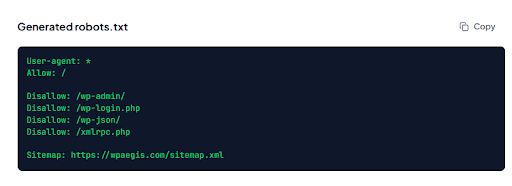
Your generated robots.txt will appear here...
The basics
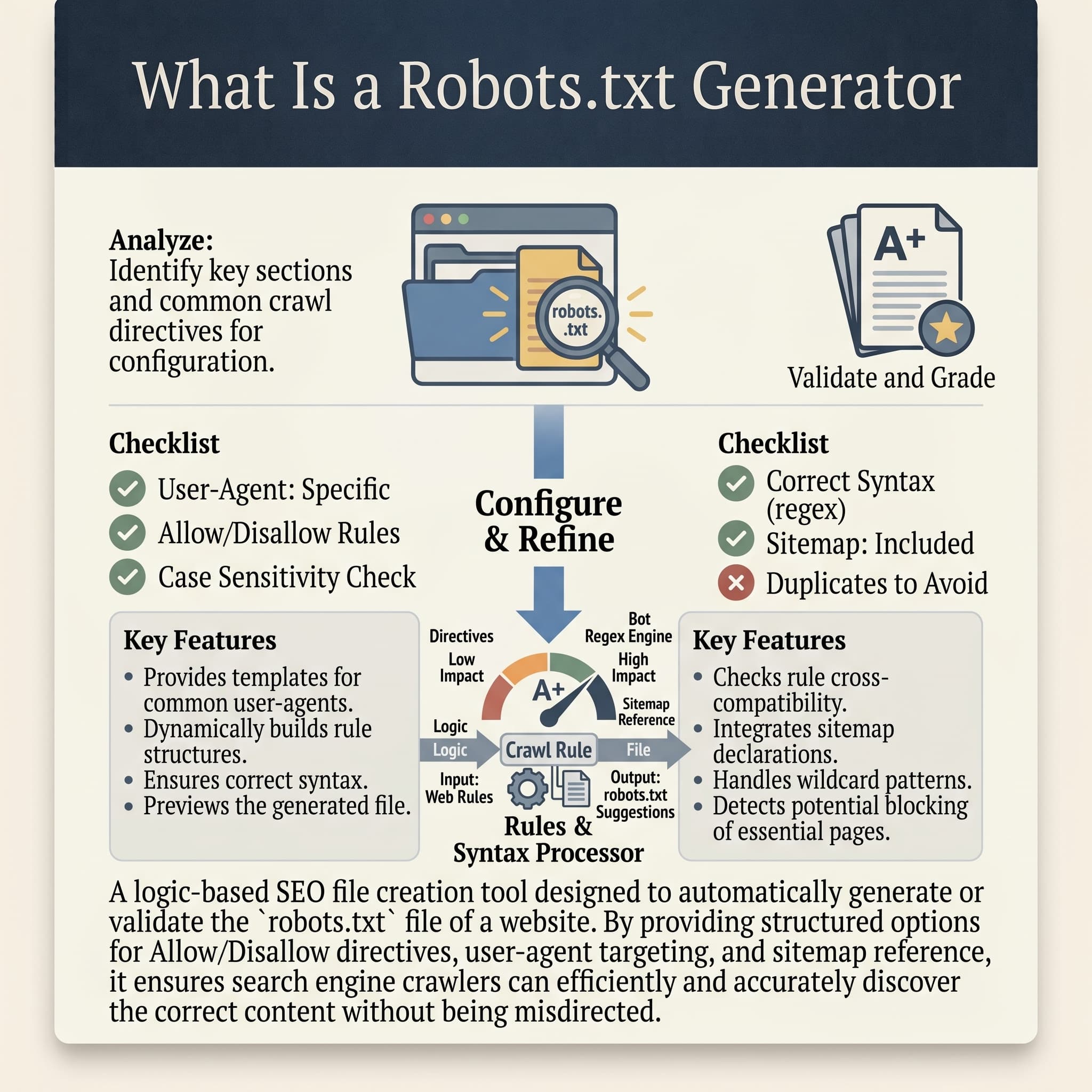
A robots.txt file is a plain text file that lives at the root of your website, yoursite.com/robots.txt, and tells search engine crawlers and other automated bots which parts of your site they're allowed to access and which parts to leave alone.
Writing one by hand isn't technically difficult, but it's easy to get subtly wrong. A robots.txt generator removes that risk by building the file from a structured set of choices instead of raw syntax. You decide which directories to block, which bots (if any) get special treatment, and whether to point crawlers toward your sitemap, and the tool assembles that into a correctly formatted file. It's a small file, but getting it wrong is one of the more avoidable, self-inflicted SEO mistakes a site can make.
The robots.txt file sits quietly in your site's root directory, and most people never think about it until something's gone wrong, a staging site accidentally got indexed, or worse, an accidental "Disallow: /" blocked the whole site from search engines. Rext AI's robots.txt generator builds a clean, correctly formatted file based on your actual crawling preferences, so you're not hand-writing syntax you only half-remember.
How it works
Most sites should start with "Allow" and then selectively block specific directories, rather than starting from "Disallow" and trying to remember to open everything back up. Add allow and disallow rules.
This isn't required, but including it helps crawlers discover your full site structure faster and more reliably than relying on internal links alone.
One per line, typically admin panels, checkout or cart pages, internal search result pages, and staging or duplicate content directories.
Check the summary to confirm the rules match what you actually intended; this is the step where a misplaced rule gets caught before it goes live.
Upload downloaded file to your site's root directory, then verify it's live by visiting yoursite.com/robots.txt directly in a browser.
You can text in Google search console to confirm Google is reading the rules the way you expect.
Examples
01 Example 1
Features
Set different access levels for Googlebot, Bingbot, AI crawlers like GPTBot and ClaudeBot, and any custom user-agent.
Add your sitemap URL directly into the generated file.
Catches conflicting or malformed rules before you download the file.
Otionally throttle crawler request frequency for sites with server load concerns.
See exactly how the file will read once it's uploaded
Get a ready-to-upload robots.txt file, correctly named and formatted.
Build the file through form fields instead of writing raw syntax from scratch.
Search engines will generally still crawl and index your site normally; the absence of a robots.txt file is treated as "no specific restrictions," not as a block. That said, having one gives you deliberate control instead of leaving crawling behavior entirely up to default bot behavior.
It's commonly misunderstood, but robots.txt controls crawling, not indexing directly. A page blocked in robots.txt can still occasionally appear in search results (often with no description) if other sites link to it. To reliably keep a page out of the index, use a noindex meta tag on the page itself, not just a robots.txt disallow rule.
It needs to sit at the root of your domain: yoursite.com/robots.txt, not inside a subfolder. Most CMS platforms and hosting dashboards have a specific place to upload or edit this file; check your platform's documentation if you're not sure where that is.
That depends entirely on your own position on AI training data using your content. Some site owners block them to prevent their content from training AI models; others allow them for visibility in AI-generated answers. There's no universally correct choice here; it's a decision worth making deliberately rather than by default.
Yes, and it's one of the more common self-inflicted SEO mistakes. A rule like "Disallow: /" under "User-agent: *" tells every crawler to stay away from your entire site. This sometimes gets left in accidentally after moving a staging site to production. Always verify the live file after uploading.
Keep going
Join 500+ teams using Rext AI to publish high-quality, Human-like content at scale.
Try Rext AI