Open the Brand Voice Page
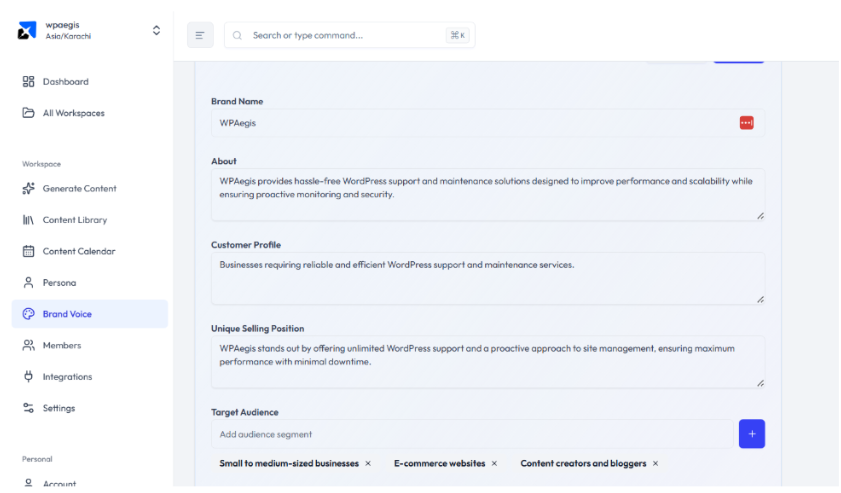
After logging in, from the left navigation menu, select Brand Voice. A box appears that shows automatically generated information about your brand related to Description, selling position, target audience, tone, content strategy, and competitors.
Review the Existing Profile
Spend a few seconds reviewing the AI-generated profile and see if it matches your idea or not. If you are not satisfied with that content, you can add or change information related to your brand to perfectly reflect its services and targeted customers.
Update the Brand Information
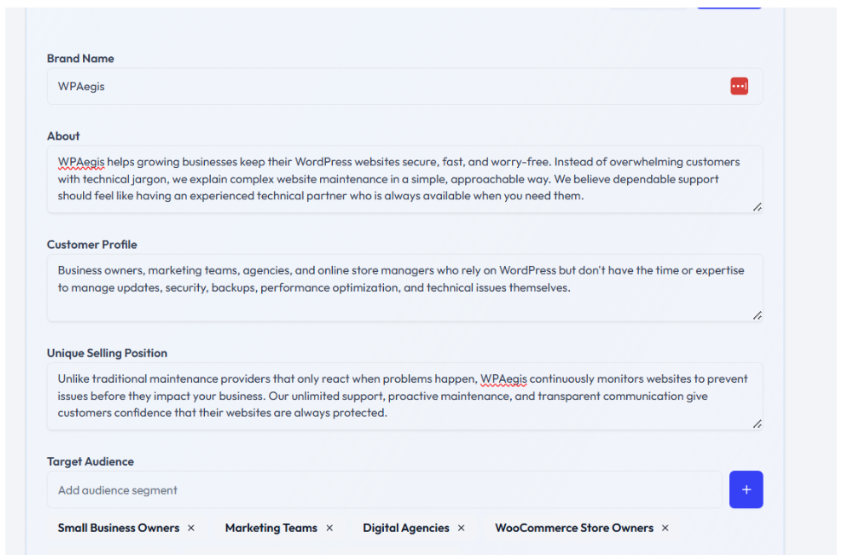
You can completely replace or edit the information in each field, including your brand description, targeted audience, selling position, voice characteristics, content strategy, and competitors.
Generate a New Article
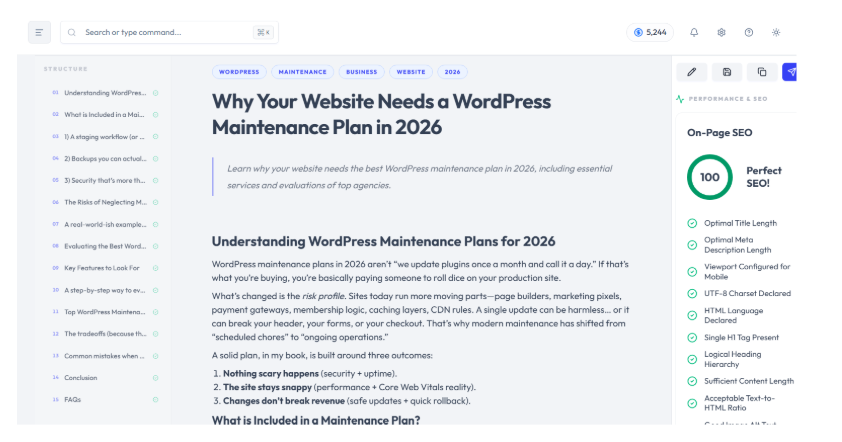
Review the article generated before customization alongside the one created after updating your Brand Voice. You'll see how Rext AI adapts its writing to better match your brand's personality, making the content feel more authentic, more consistent, and much closer to how your team naturally writes.