
What Is a Content Outline Generator?
Most people skip outlining and think it’s just a waste of time, but in reality, you are wasting time if you do not work as per a structured roadmap. Most people open a blank doc, write a title, and just start typing whatever comes to mind first; then the article drifts halfway through, repeats a point from three paragraphs back, or just never gets around to the thing the reader actually searched for.
An outline generator fixes those issues before you deviate from your main focus point. You can say that it's the skeleton of the piece: your H1, the H2s under it, maybe H3s if the topic needs them, in some order that makes sense. Type in a topic, and instead of guessing at subtopics off the top of your head, you get a structure pulled from what's actually working for that topic right now.
Our professional content outline generator doesn't stop at five obvious headings. It checks what's ranking, notices what your draft would probably be missing if left to its own devices, and lays it out in an order a person would actually choose. Not a random shuffle of related terms.
How to Use Our Content Outline Generator Tool
Enter your topic or keyword in the Rext AI Content Outline Generator. Specific beats broad here, "outline generator for blog posts" gets you further than "content marketing" ever will.
In the next section, if you have targeted keywords, add them by using commas. Rext AI completely checks those keywords and uses these targeted keywords in the outline.
Rext AI outline generator provides you with a complete outline after deep research. It’s best for freelancers who weren't in the room for the research or someone busy in his business don’t have time to research; you want subpoints written out under every heading.
Generate it. You'll get the full structure back with a line or two under each heading explaining what it needs to cover.
Nothing's locked. Move sections around, delete what doesn't fit your angle, add your own if you already know something competitors left out.
Copy it into your CMS or integrate your WordPress with Rext AI and see the magic. At this point it's a usable brief, not just a list of headings with nothing underneath them.
Content Outline Examples
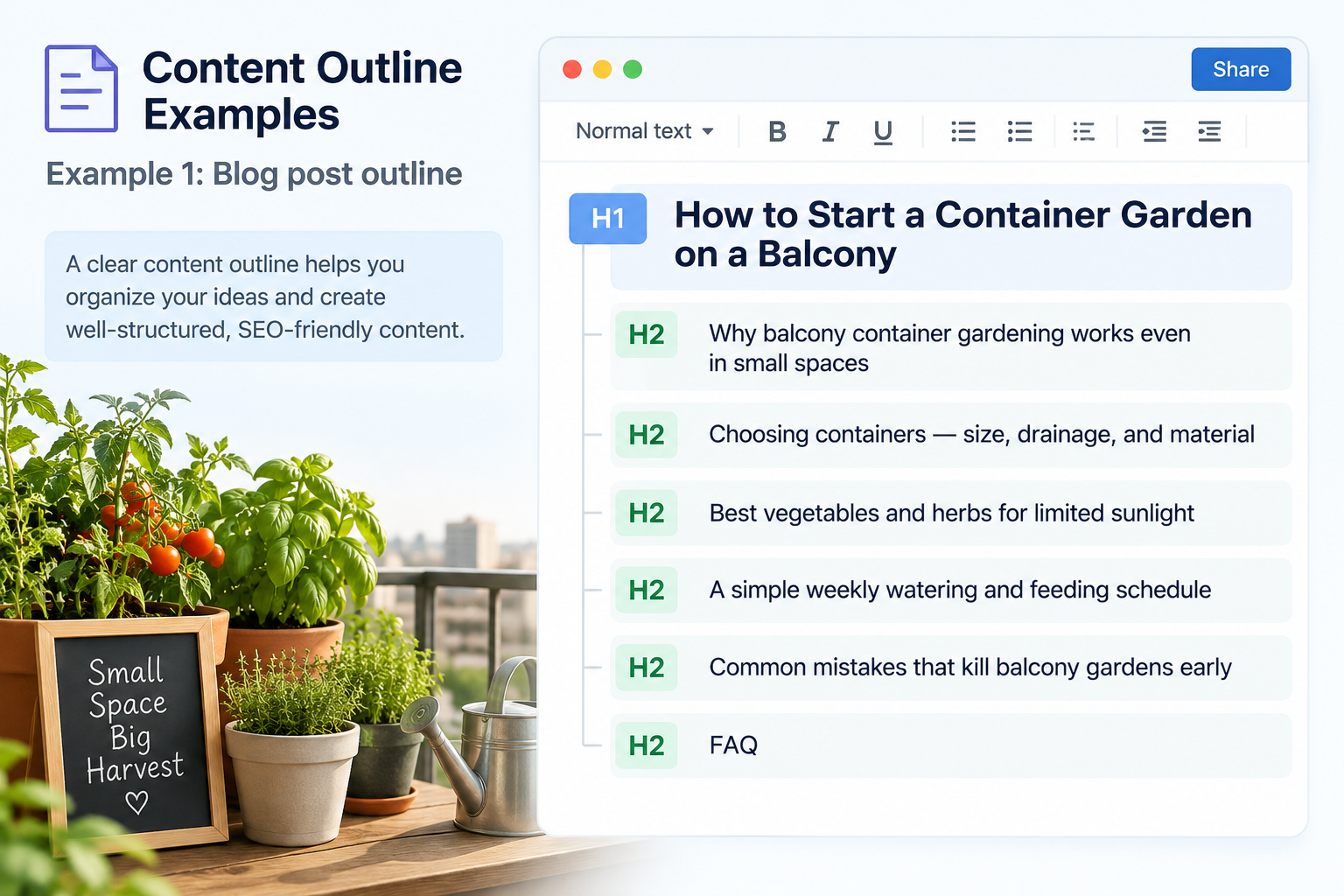
Example 1: Blog post outline
H1: How to Start a Container Garden on a Balcony
H2: Why balcony container gardening works even in small spaces
H2: Choosing containers — size, drainage, and material
H2: Best vegetables and herbs for limited sunlight
H2: A simple weekly watering and feeding schedule
H2: Common mistakes that kill balcony gardens early
H2: FAQ
Example 2: How-to guide outline
H1: How to Set Up Email Forwarding on Gmail
H2: Why you'd want to forward emails in the first place
H2: Step-by-step setup instructions
H2: Fixing common forwarding errors
H2: Alternatives to Gmail's built-in forwarding
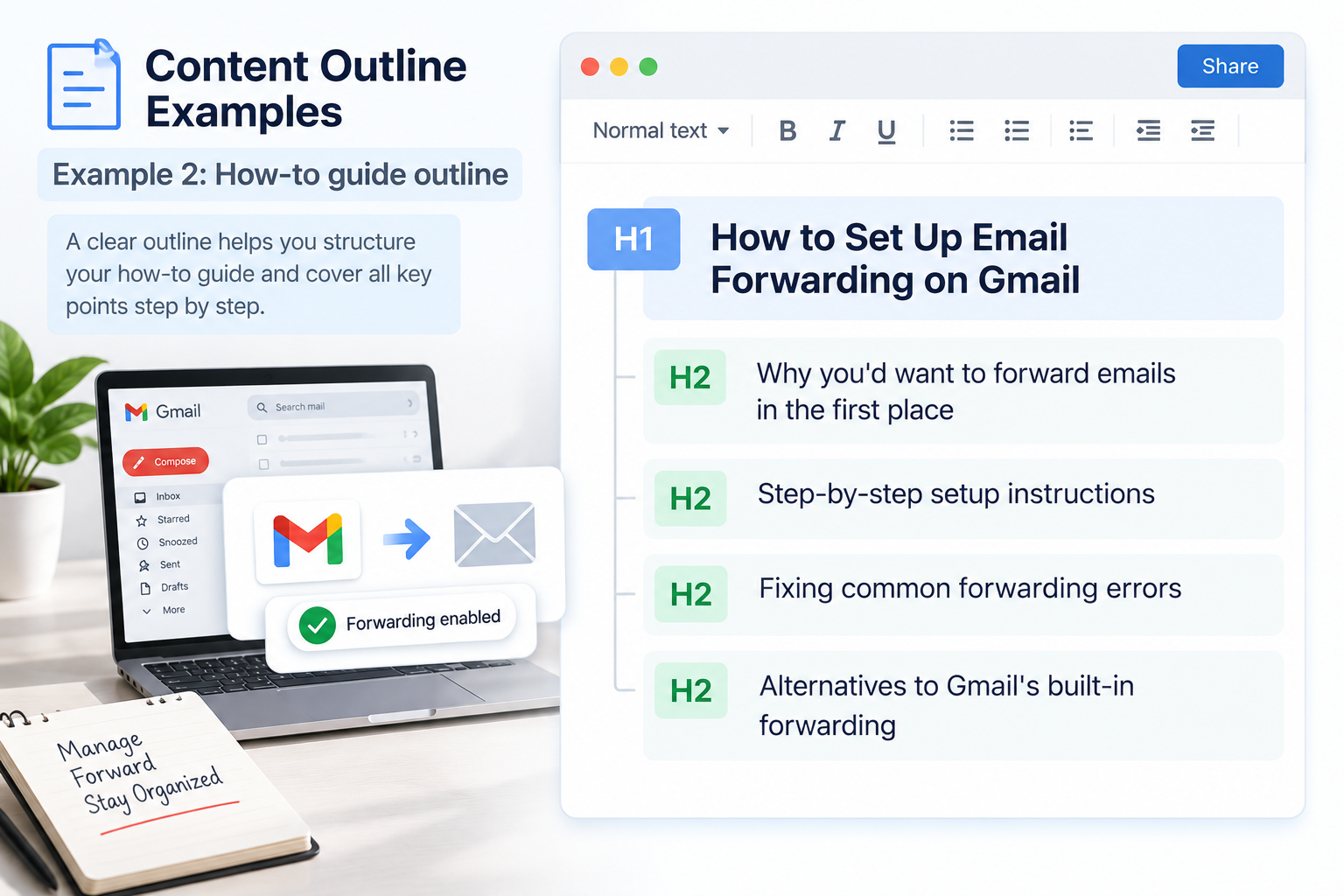
None of these stop at headings. A real outline tells you, in a sentence or so, what goes under each one; otherwise you've just made a table of contents and called it a brief.
What's Actually in the Tool
It checks what's ranking before it builds anything. You're not starting from a guess, and neither is the tool.
Subtopics that keep showing up across top results but are missing from your draft get flagged. Easy to overlook these on your own, especially the ones buried in article six or seven that you didn't bother opening.
Go shallow or deep depending on the piece. Three sections for something quick. Full subpoints if it's a long guide or a pillar page.
It's not just for blog posts. Landing pages, comparisons, product reviews, how-to pick the type; the structure adjusts to match.
Keywords land in the headings where they'd naturally go, and nobody wants a heading that reads like it was written for a robot.
Everything's editable after it generates. Add, delete, reorder, whatever you need.
Export is fast: plain text, Markdown, or a doc your writer can open right away without asking you what half the abbreviations mean.