
What Is a Hreflang Tag Generator? fgfhfhfgh
A hreflang tag is a short piece of code that tells search engines like Google which language, and sometimes which country, a page is written for. If your site has separate pages for English, French, and German visitors, or separate US and UK pages, hreflang tags link all of those versions together so Google can show each searcher the one that actually fits them.
A hreflang tag generator builds this code for you. Instead of typing out every tag by hand, you enter your page URLs and pick the right language and region for each one, and the tool puts together the full, correctly linked set.
At Rext.AI, we understand that one simple mistake can ruin everything: one typo, one missing return link, or one invalid code can quietly break the whole setup, which takes hours to build, and Google won't always flag it in Search Console.
How to Use Our Hreflang Generator Tool
- Add your page URLs. Enter the full, absolute address (starting with https://) for every language or regional version of the page.
- Select the language. Choose the correct ISO language code for each URL, such as en for English or es for Spanish.
- Add a region when needed. Only add a region code when a page genuinely targets a specific country. If your French page serves all French speakers, fr is enough. If it's built specifically for Canada, use fr-CA.
- Add your x-default URL. Pick the fallback page you want shown to visitors whose language or location doesn't match any version you've listed, usually your main or default-language page.
- Generate your tags. Rext.AI Hreflang tag generator free builds the complete hreflang set, including the reciprocal links between every version.
- Review the validation warnings. The generator checks for invalid codes, duplicate entries, missing self-references, and other common issues before you publish anything.
- Copy and implement. Choose HTML, XML sitemap, or HTTP header output, and copy the result.
- Repeat the complete set on every page. Every page in the hreflang group needs the full set, including a link back to itself. Google's own documentation is clear that each language version should list itself along with every other version, so the complete block belongs on every page, not just one.
Hreflang generator Examples
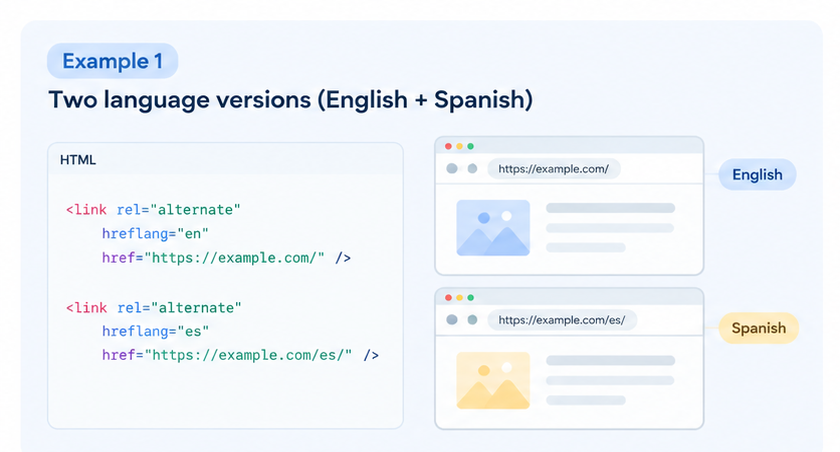
Example 1: Two language versions (English + Spanish)
<link rel="alternate" hreflang="en" href="https://example.com/" />
<link rel="alternate" hreflang="es" href="https://example.com/es/" />
Example 2: Same language, different countries
<link rel="alternate" hreflang="en-US" href="https://example.com/us/" />
<link rel="alternate" hreflang="en-GB" href="https://example.com/uk/" />
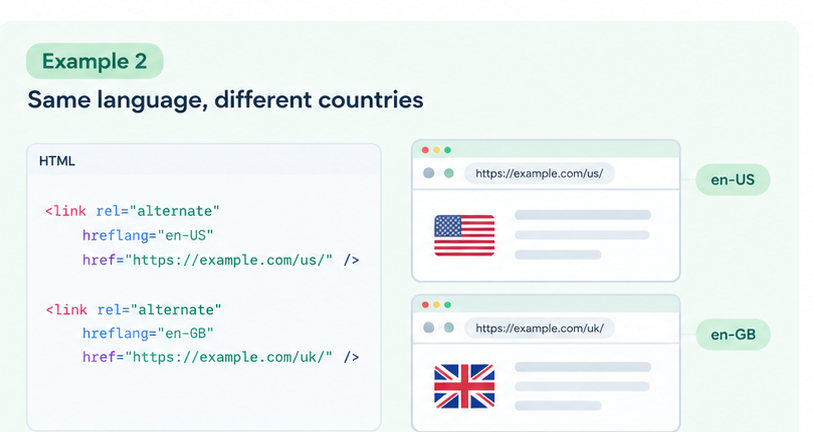
Same language doesn't mean the same audience because spelling, currency, and product availability often differ enough that merging them risks showing a UK visitor US pricing, or the other way around.
Example 3: Language + country
<link rel="alternate" hreflang="fr-FR" href="https://example.com/fr-fr/" />
<link rel="alternate" hreflang="fr-CA" href="https://example.com/fr-ca/" />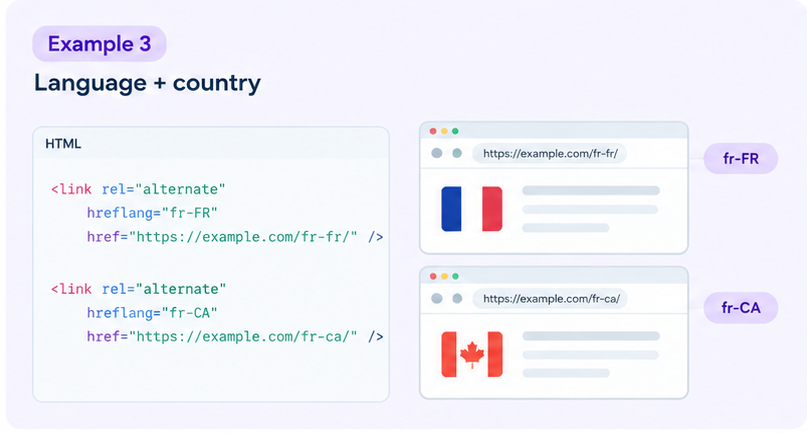
Example 4: x-default
<link rel="alternate" hreflang="x-default" href="https://example.com/" />
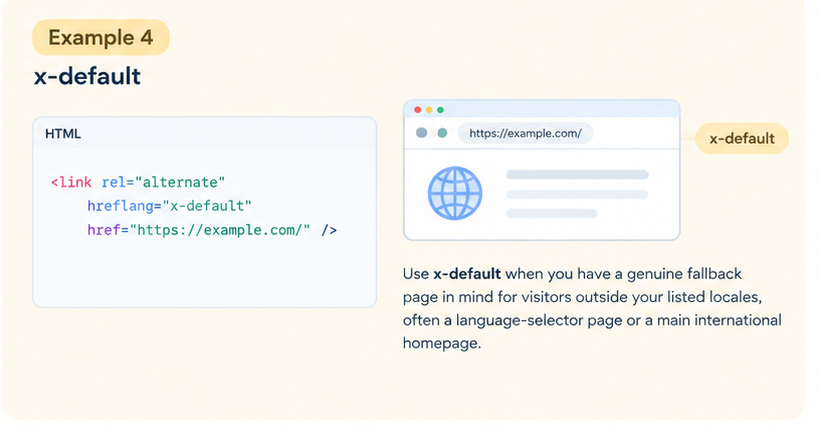
Use x-default when you have a genuine fallback page in mind for visitors outside your listed locales, often a language-selector page or a main international homepage. Skip it if you're comfortable letting Google choose a version on its own.
Whether you need a simple two-language example for a blog or a full sitemap layout for a large store, the pattern stays the same: list every version, including a link back to itself.
Key Features of Our Free Hreflang Generator Tool
Multiple language versions: You can use the Hreflang tag generator online for several localized pages from one screen, instead of switching tabs for every language.
Language and region codes: Build language-only tags like de, or full language-region combinations like de-AT, depending on what the page actually targets.
x-default support: Set a single fallback page for visitors whose language or location doesn't match anything you've listed.
Reciprocal tag structure: Our free Hreflang tag generator tool builds the complete, two-way set automatically, so you're not copying the same block onto five different pages by hand.
HTML output: Get ready-to-paste <link> elements for your page's <head>.
XML and HTTP sitemap output: Generate alternate URL entries formatted for your sitemap, useful when you manage hreflang centrally instead of page by page. Get hreflang markup for PDFs and other files that don't have an HTML <head> to place tags in.
Validation checks: Catch invalid codes, duplicate locales, and missing self-references before you publish, not after Google quietly drops the annotation.
Bulk input: Add larger multilingual URL sets in one pass, rather than one row at a time, once a site has ten or more locales.